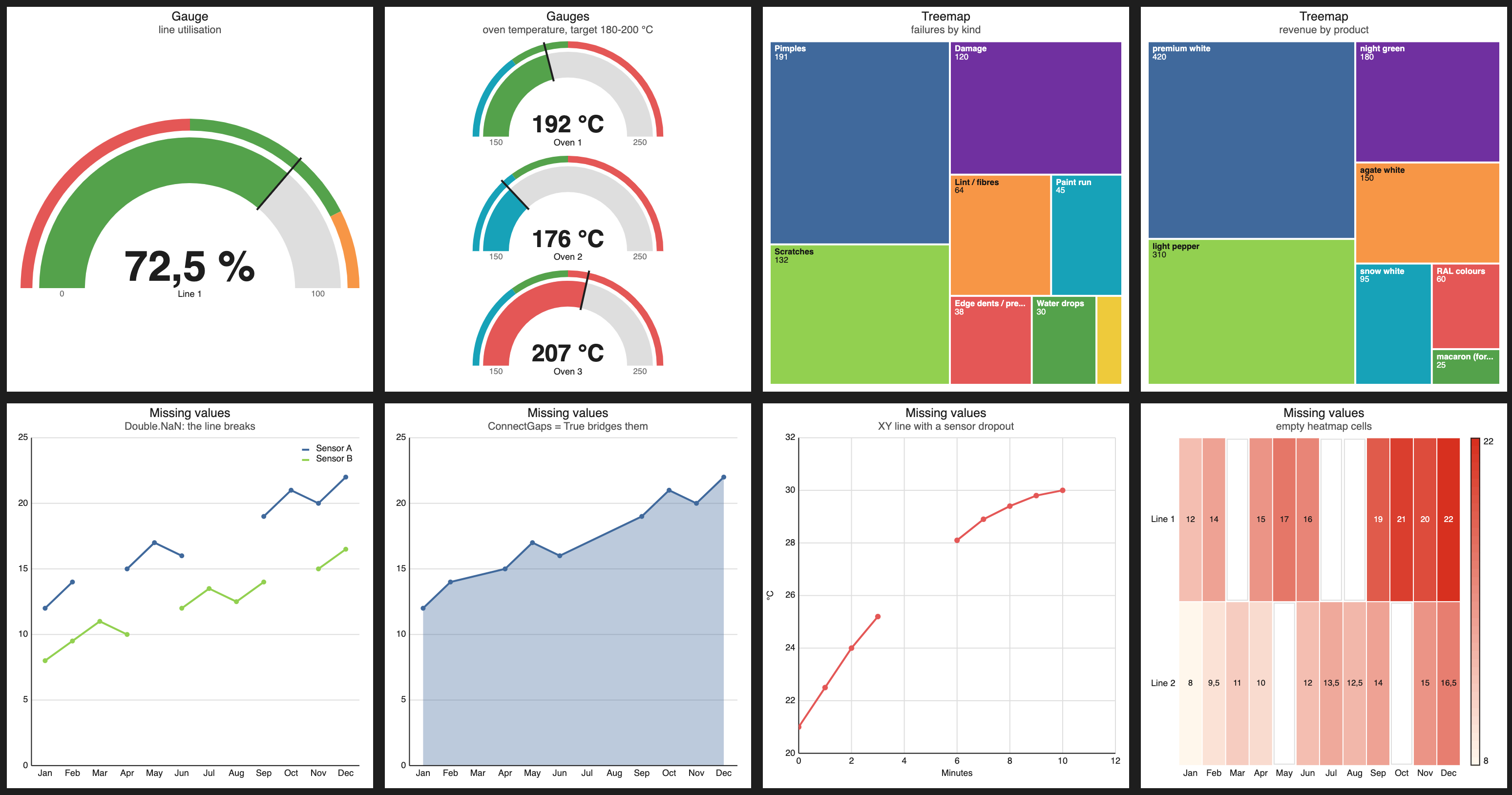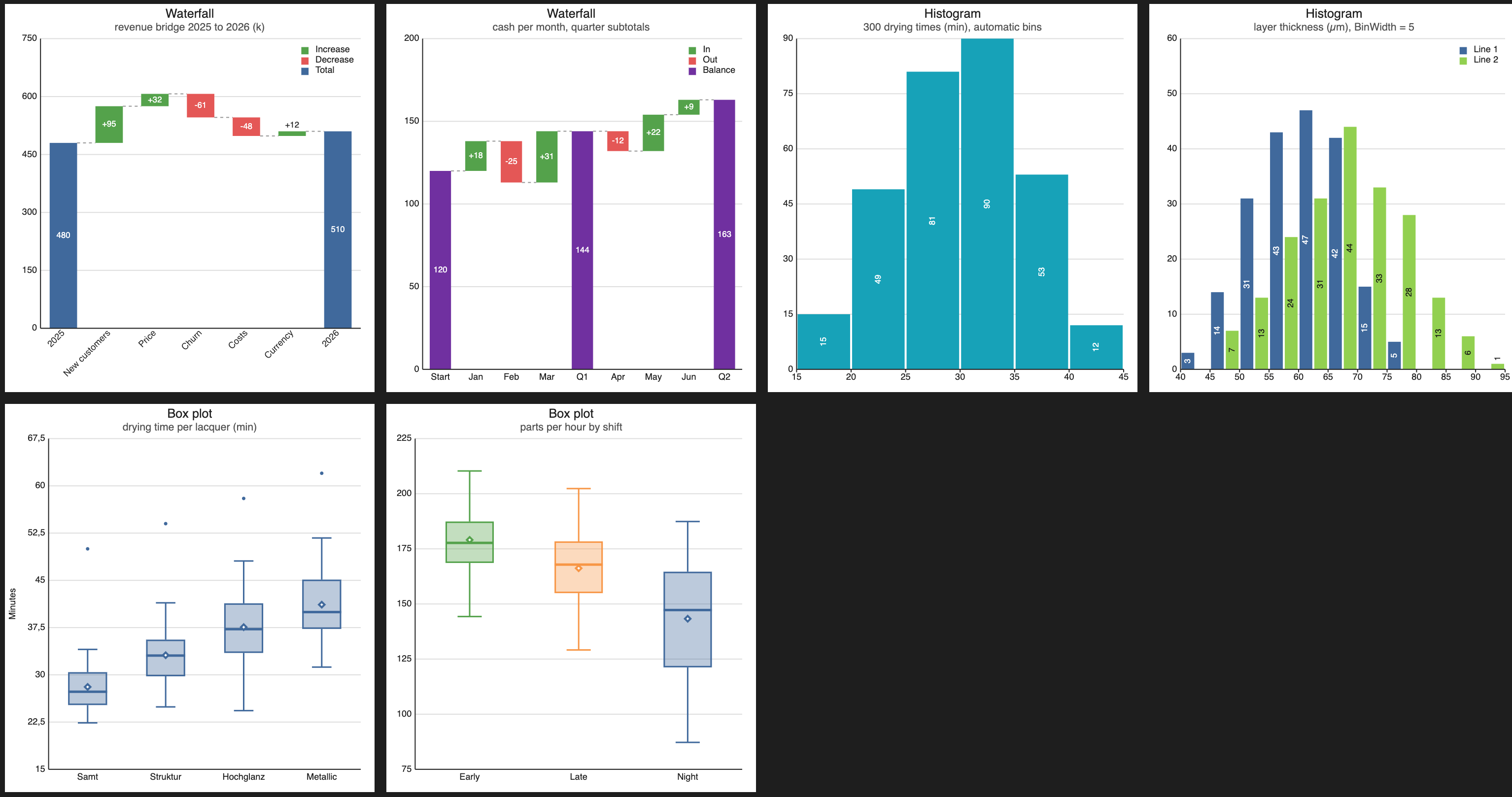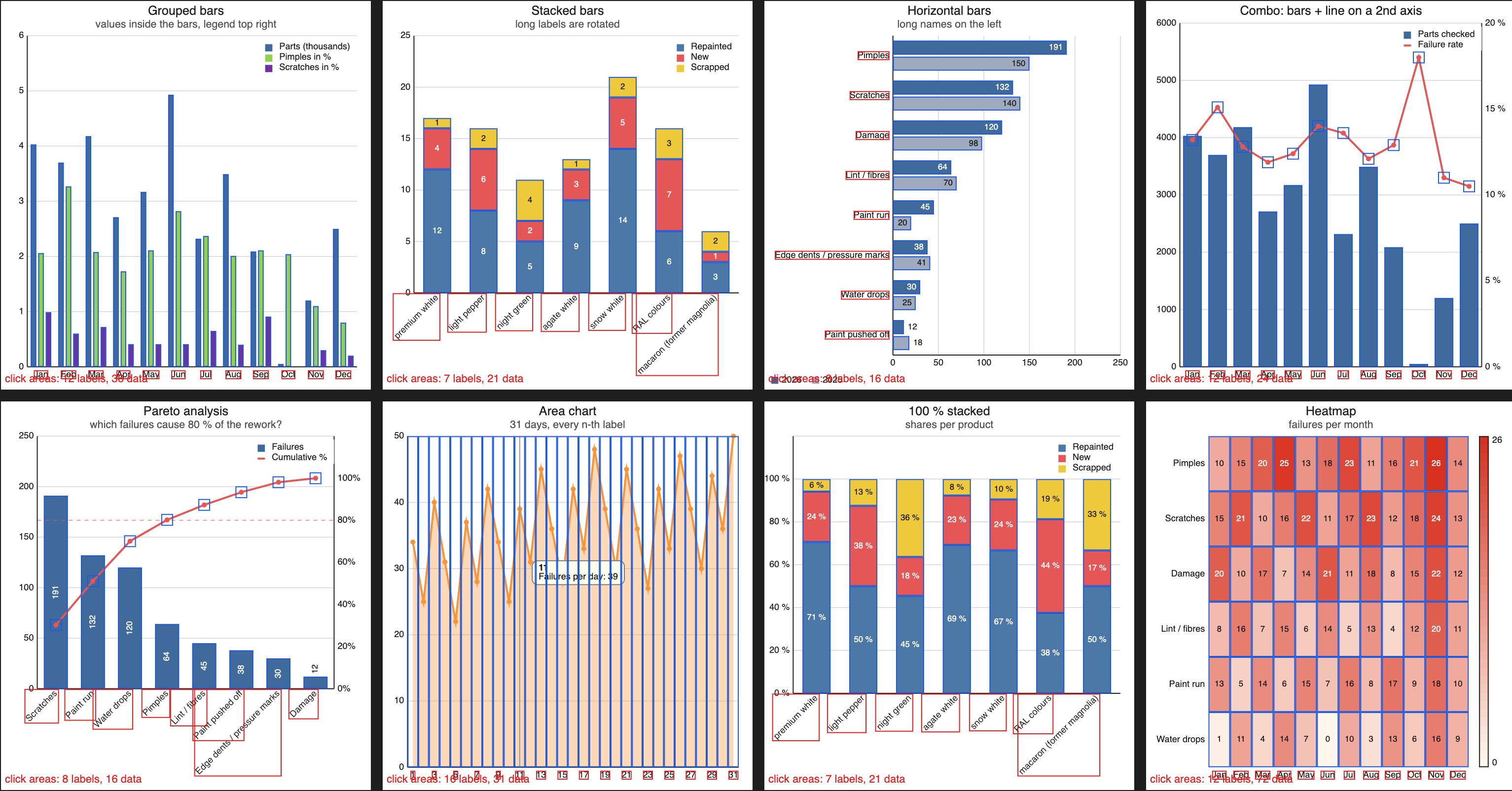
ChartView brings a complete charting toolkit to your Objo projects: 37 chart types, interactive data exploration and flexible styling, all written in pure Objo with no plugins or external dependencies.
Build business dashboards, explore measurements, display live feeds or produce charts for reports. From a simple bar chart to a scrolling time series, the same class handles the drawing, interaction and presentation.
Highlights
- 37 chart types, one class. Choose from bars, lines, areas, pies, doughnuts, radar, scatter and bubble charts, plus heatmaps, funnels, pyramids, Pareto, candlestick, HLOC and Gantt charts. Waterfalls, histograms, box plots, gauges and treemaps extend the range, with stacked, percentage and other variants available across the collection. Spiral charts support adjustable arcs from 30° to a full 360° circle, with ring labels adapting to the available space.
- Live data. Append points or category values as they arrive. Keep the newest points, display a moving time window and update charts without replaying their animation.
- Zoom, pan and explore. On XY and time charts, drag to zoom, use the mouse wheel around the pointer or Shift-drag to pan. An optional crosshair snaps to the nearest point and brings the values from multiple series into one tooltip.
- Useful interaction. Respond to clicks on data and labels, add context menus and let users hide or show series through the legend. Persistent selection keeps a chosen bar, point or slice highlighted, ready to drive a detail view elsewhere in your app.
- More ways to understand your data. Add target and average lines, linear trends or moving averages. Set fixed axis ranges, use logarithmic Y axes on supported charts and plot
DateTimevalues with automatically chosen time intervals. - Make it your own. Choose a flat or modern look, with rounded bars, gradients, soft shadows, fading areas and a subtle glow beneath lines. Adjust each effect independently, alongside colours, fonts, hover effects, legend placement and animation. Light, dark and system-following themes help charts fit your application, while custom tooltip and axis-label formatters give you control over units, wording and number formats.
- Ready for reports. Print charts, save PNG images, export crisp vector PDFs or copy charts to the clipboard.
- Examples you can use. Explore 58 gallery examples, with the source code displayed alongside each chart. Switch between flat and modern styling and try the presentation and interaction options as you explore. Property and method descriptions also provide help as you work in Objo Studio.
- Your own backgrounds. Place a photograph, texture or logo behind a chart, with adjustable opacity and five layout options: fill, fit, stretch, tile or centred.
Using it in code
Var chart As New ChartView
chart.Kind = ChartView.ChartKind.Pareto
chart.Title = "Support tickets by cause"
chart.SetLabels(["Setup", "Login", "Sync", "Export"])
chart.AddSeries("Tickets", [191, 132, 45, 12])
Self.Add(chart)
The Pareto chart sorts the values, calculates the cumulative line and adds the 80% marker automatically.
Web support preview
ChartView also runs on Objo web pages, including tooltips, hover effects, clicks, selection, crosshairs, zoom, themes and live data.
The same class file supports desktop and web projects, with automatic target detection. The included ChartViewWeb project demonstrates the preview integration, using a standard Canvas to host the chart and forward its events, and brings the gallery examples to the browser.
Getting started
- Download the archive and open
ChartViewQuickStartfor a small introductory example. - Explore
ChartViewGalleryto try the chart types, styling and interaction options, then adapt the examples for your project. - For web projects, start with
ChartViewWeband follow its preview integration pattern.
Licence
ChartView is free for private, educational and non-commercial use. For a commercial licence, contact @madru by private message on the forum.
About
ChartView is written and maintained by @madru (Guido), who also built the Game Boy Core plugin, the Game Boy Emulator app, Minesweeper and Sokoban in this showcase.