Git Integration
See changed lines, commit selected solution items, and create or switch local branches with Studio's bundled Git tools. Your source stays readable in version control. Git integration is included free.
Git guideDesign interfaces, write code, debug and ship from one development environment. Build desktop and command line apps for macOS, Windows and Linux, or responsive web apps with browser interfaces and server-side Objo code.
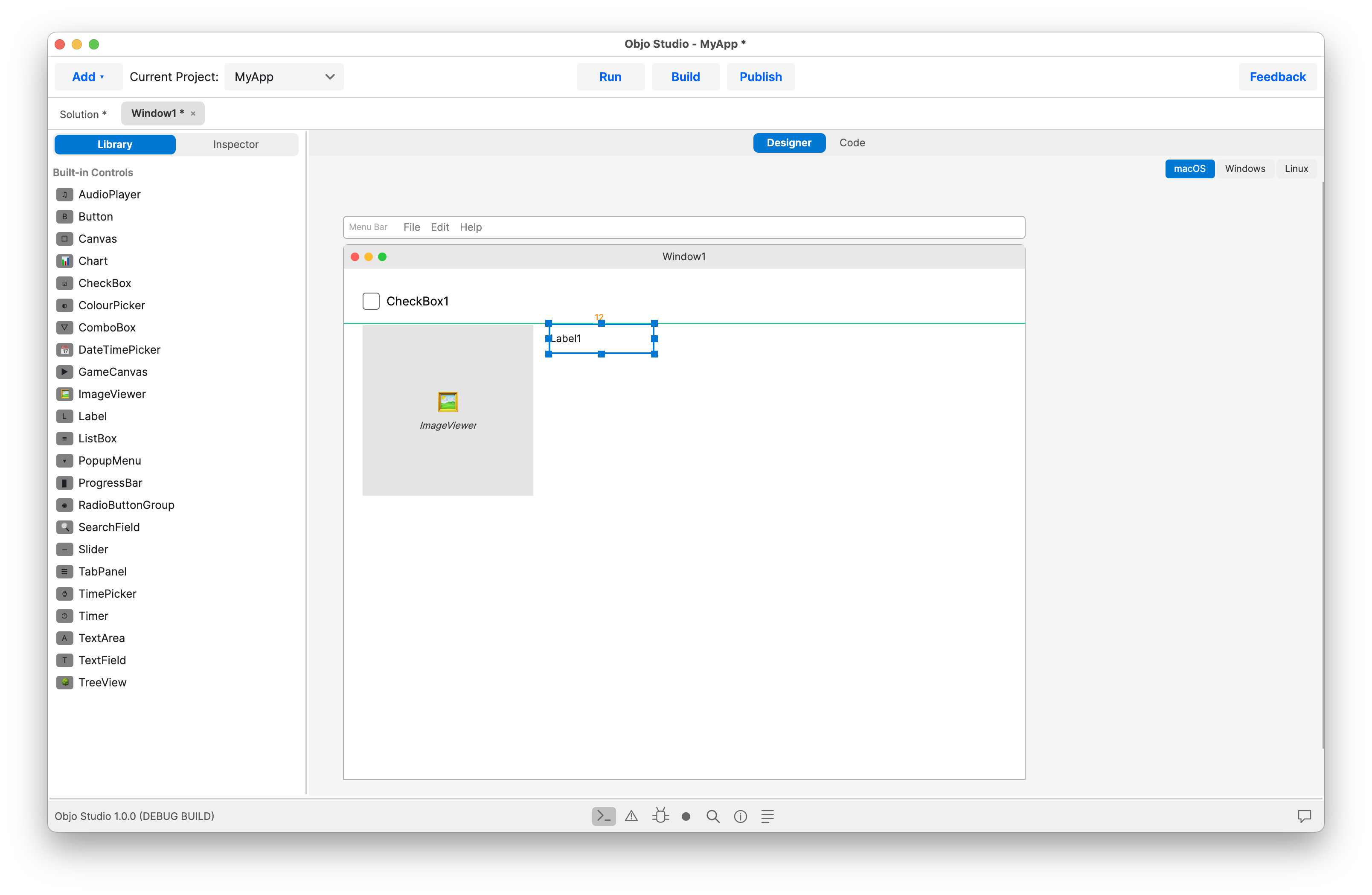
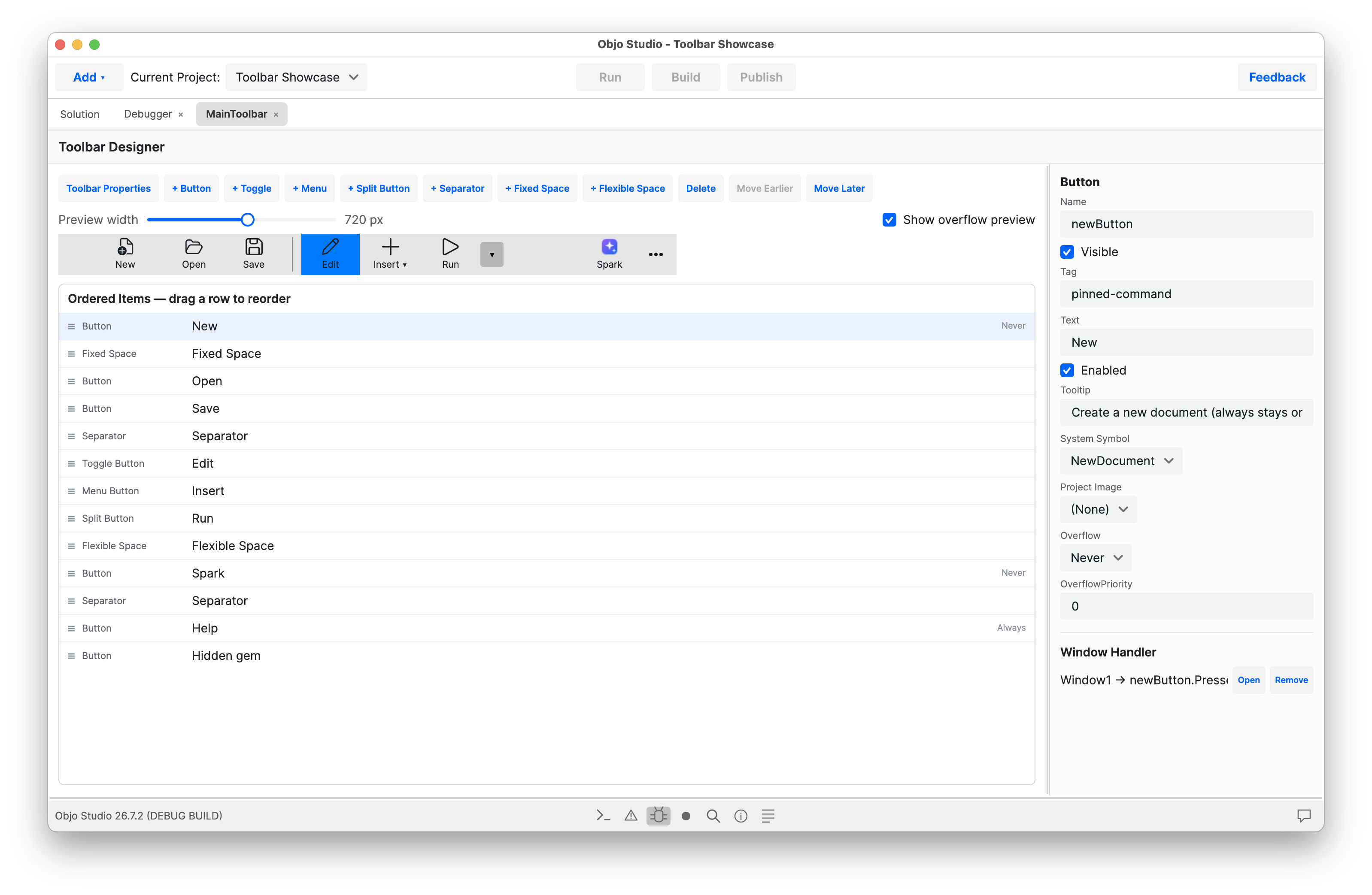
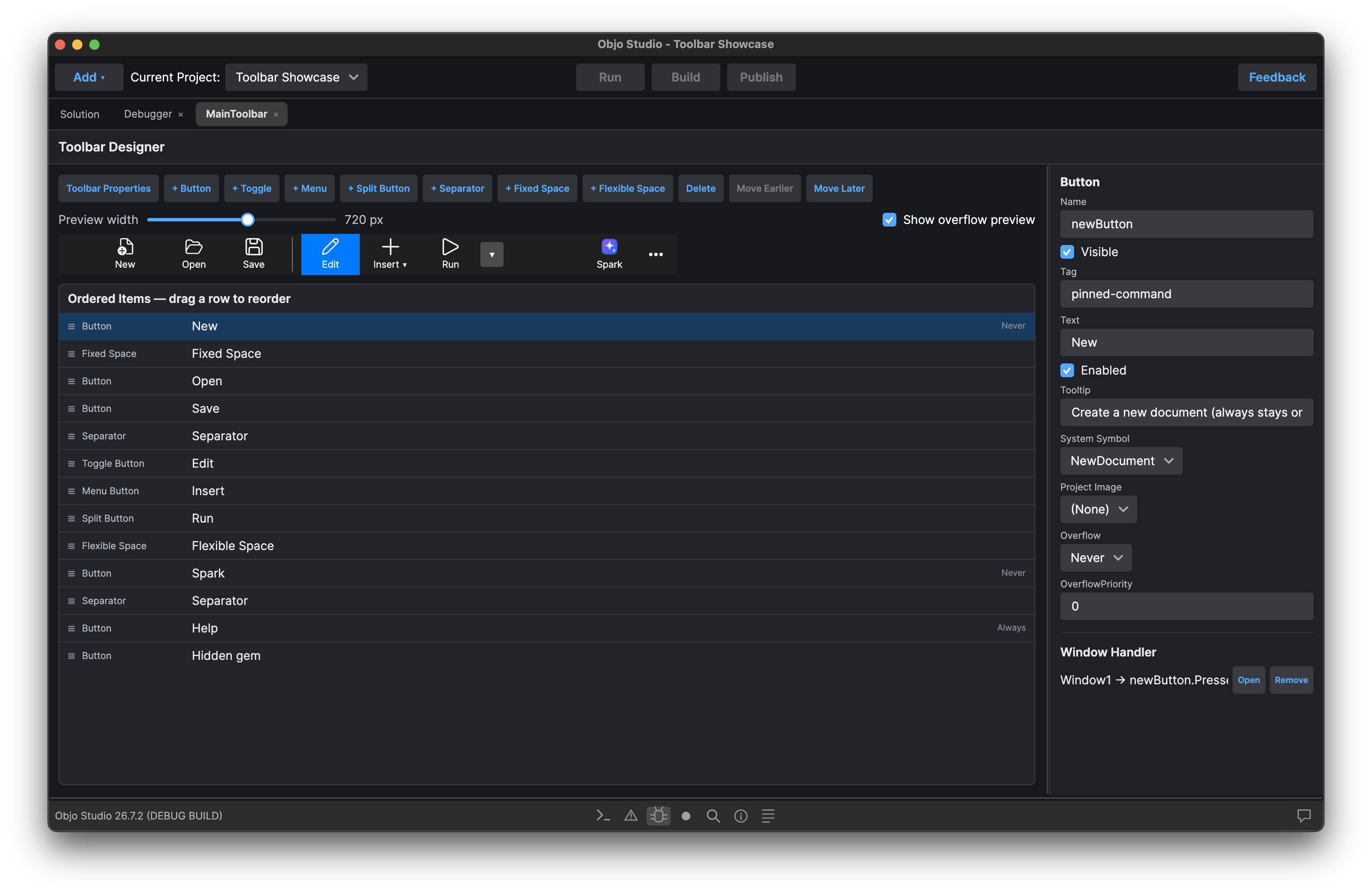
Create desktop apps for macOS, Windows and Linux from a single codebase. Arrange windows and controls with drag and drop, design menus and toolbars, and script their behaviour with Objo code.
Build business tools, utilities and creative applications with a rich control library, database access, file handling and custom graphics. Ship self-contained applications that your users can run on their own computers.
Build customer portals, internal tools and data dashboards that your users can open in a browser. Arrange responsive UI elements on web pages with drag and drop and script their behaviour with Objo code.
We provide a rich library of UI controls covering everything from simple text input to custom canvas drawing.
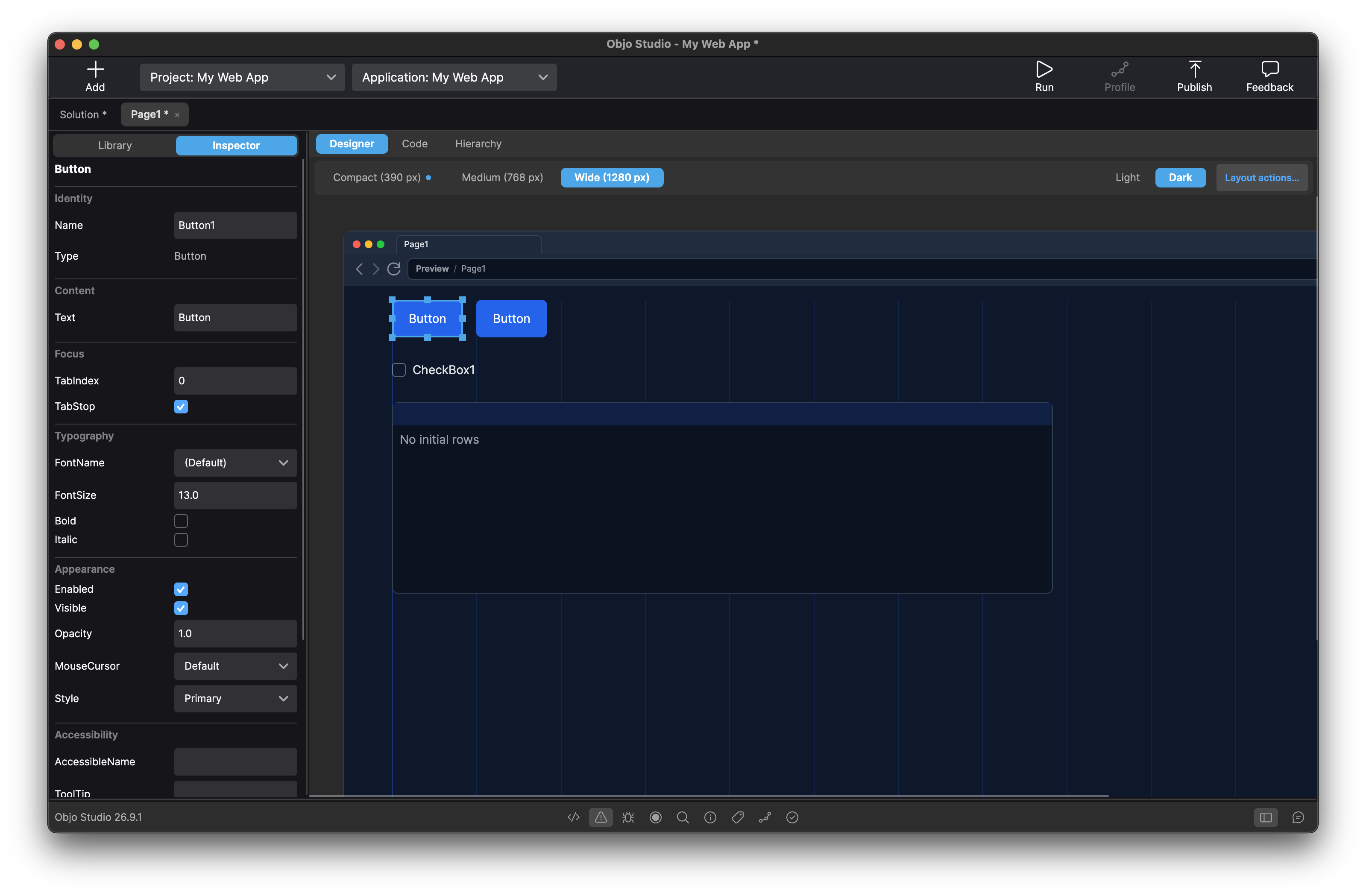
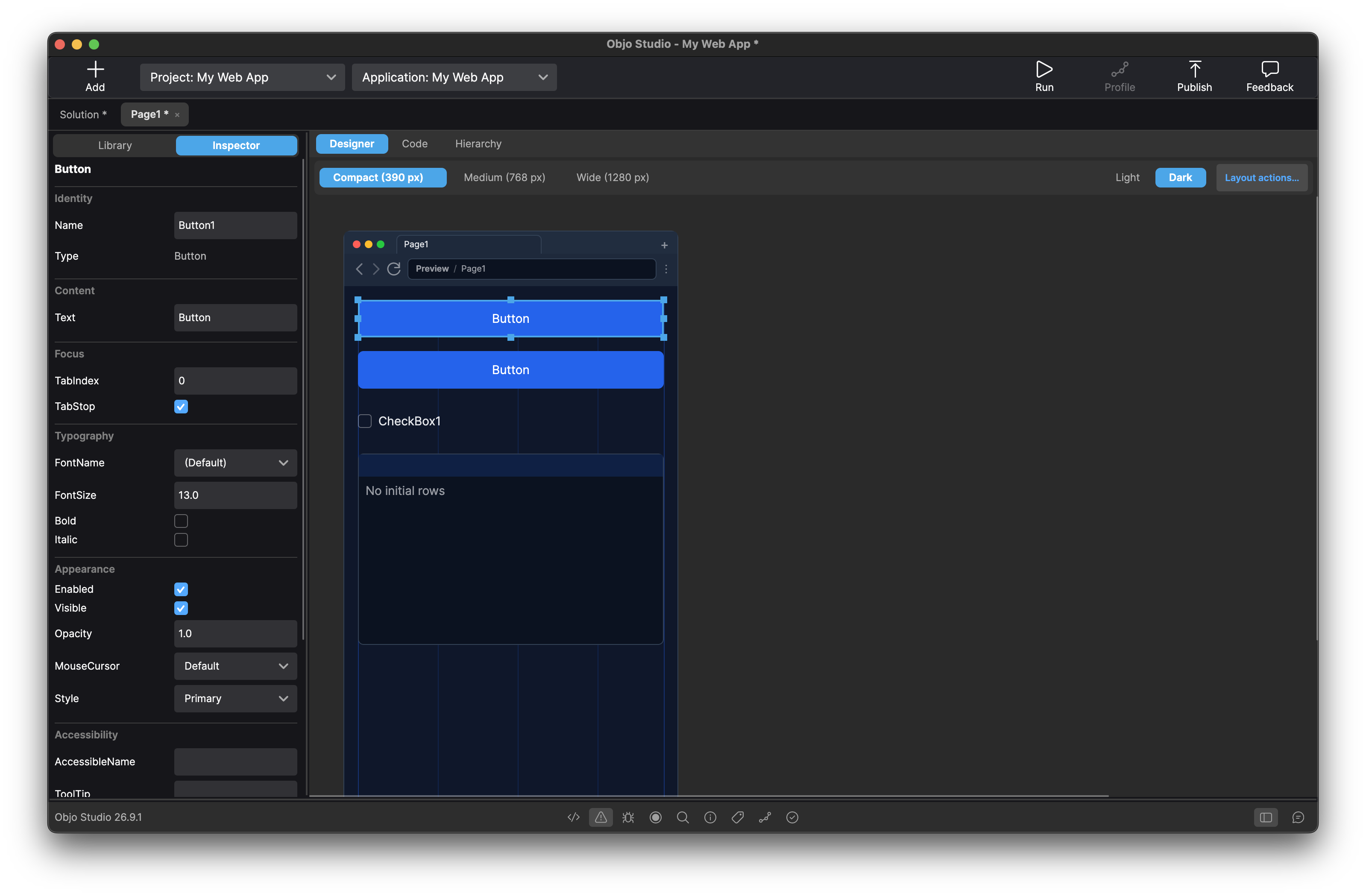
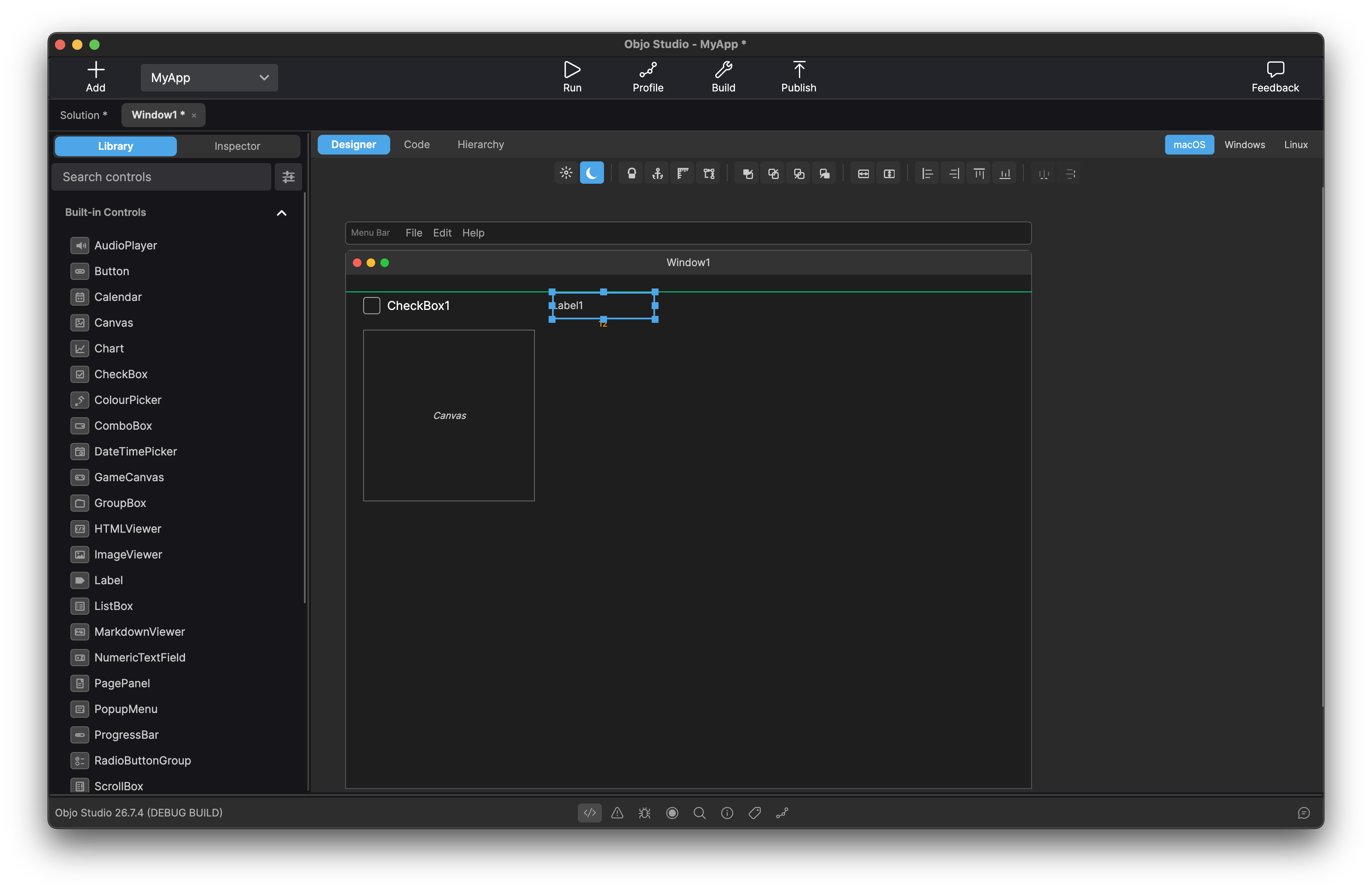
Design your user interface by dragging and dropping from a comprehensive library of built-in controls such as buttons, text fields, list boxes, tree views, tab panels, charts, date pickers, colour pickers and more. Set properties in the inspector and see changes instantly. Anchor controls to window edges so your layout resizes gracefully. Drop non-visual components like AudioPlayer onto the shelf and wire them up in code. What you see in the designer is what your users get.
An editor purpose-built for Objo. Autocomplete suggests members as you type, with full parameter hints. Jump to any symbol definition instantly. Code folding keeps large methods manageable. The auto-formatter tidies spacing and keyword casing as you work, so your code stays consistent without thinking about it. Switch between light and dark themes, and customise every syntax colour to suit your preferences.
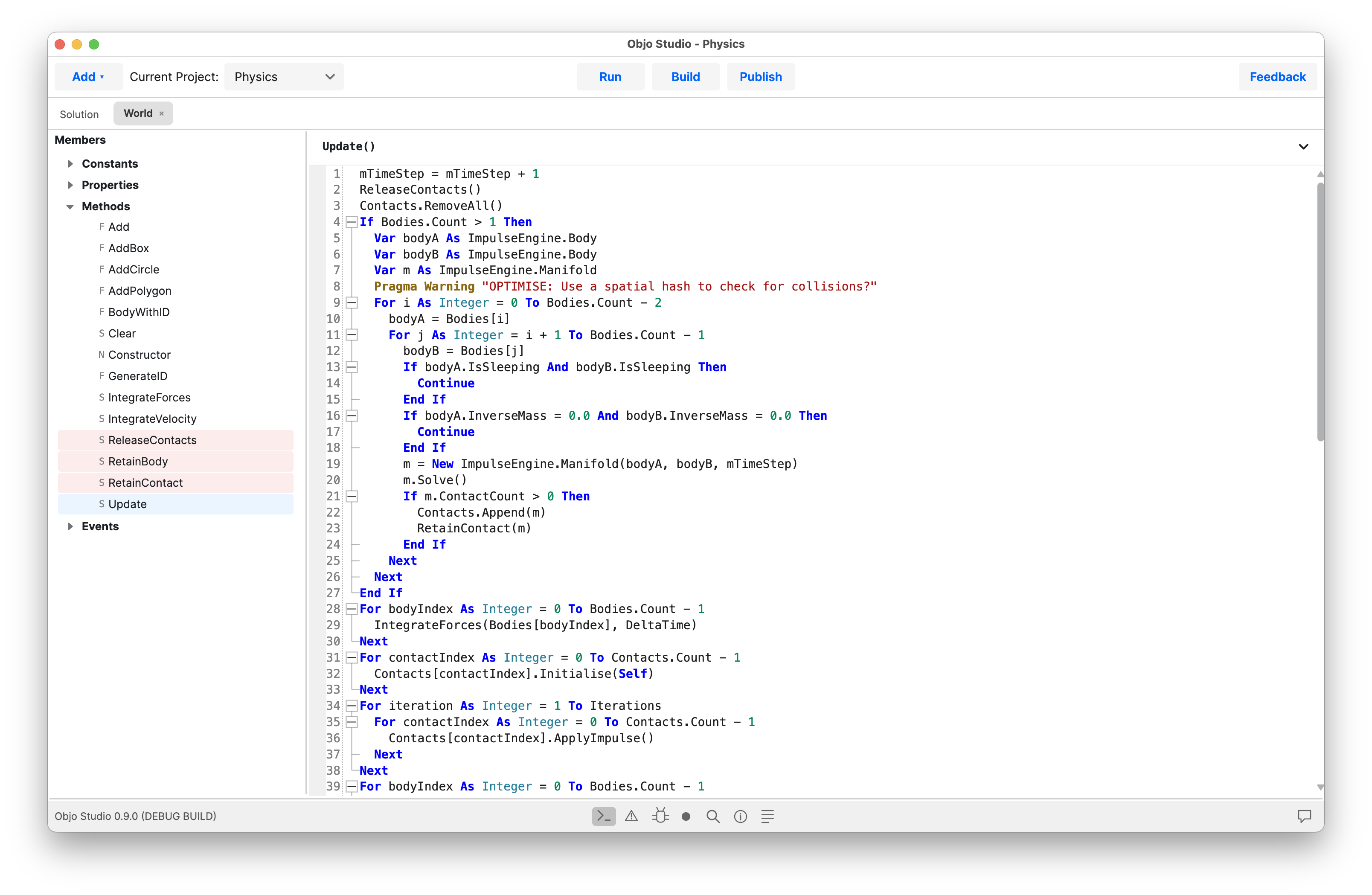
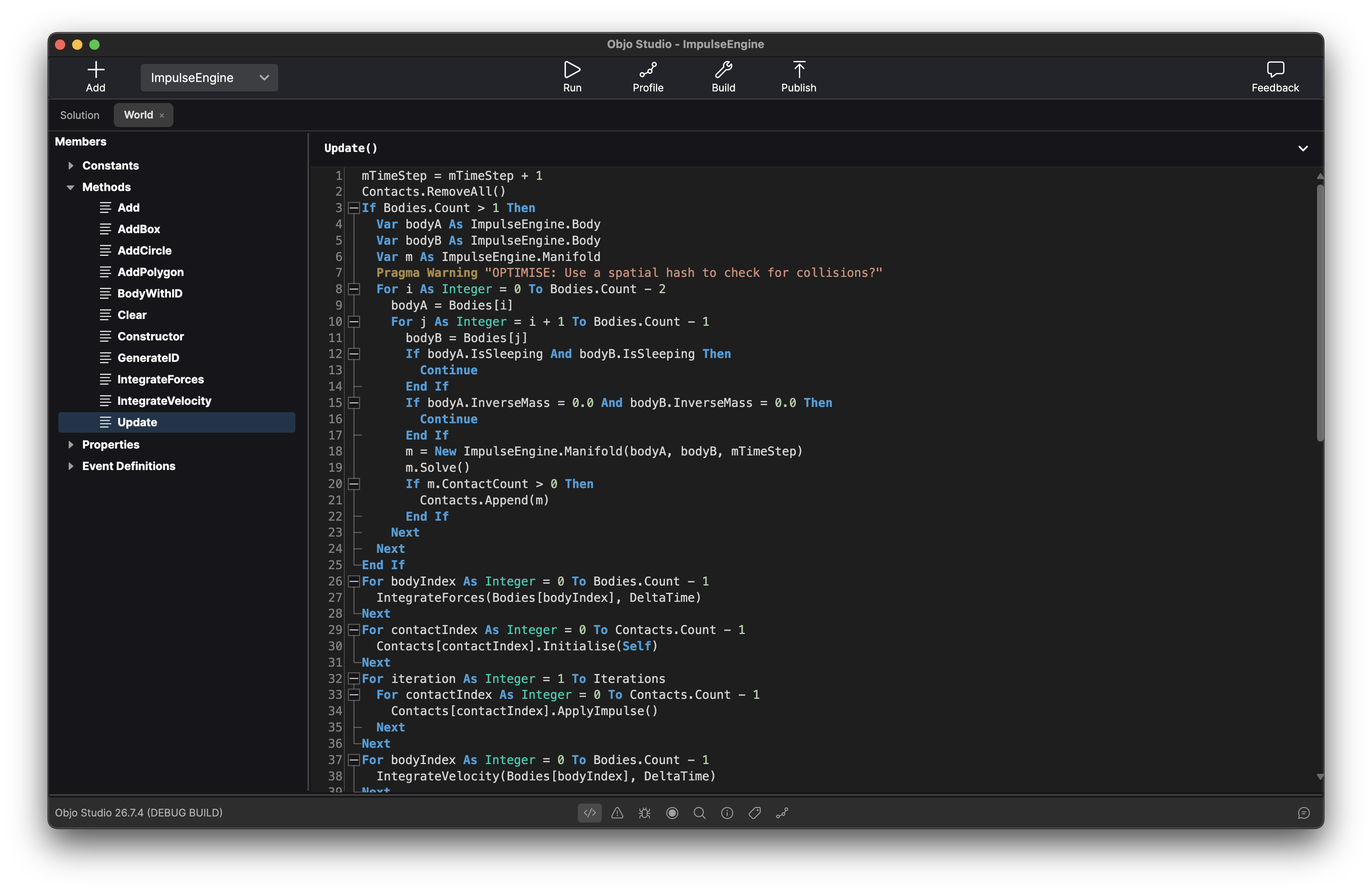
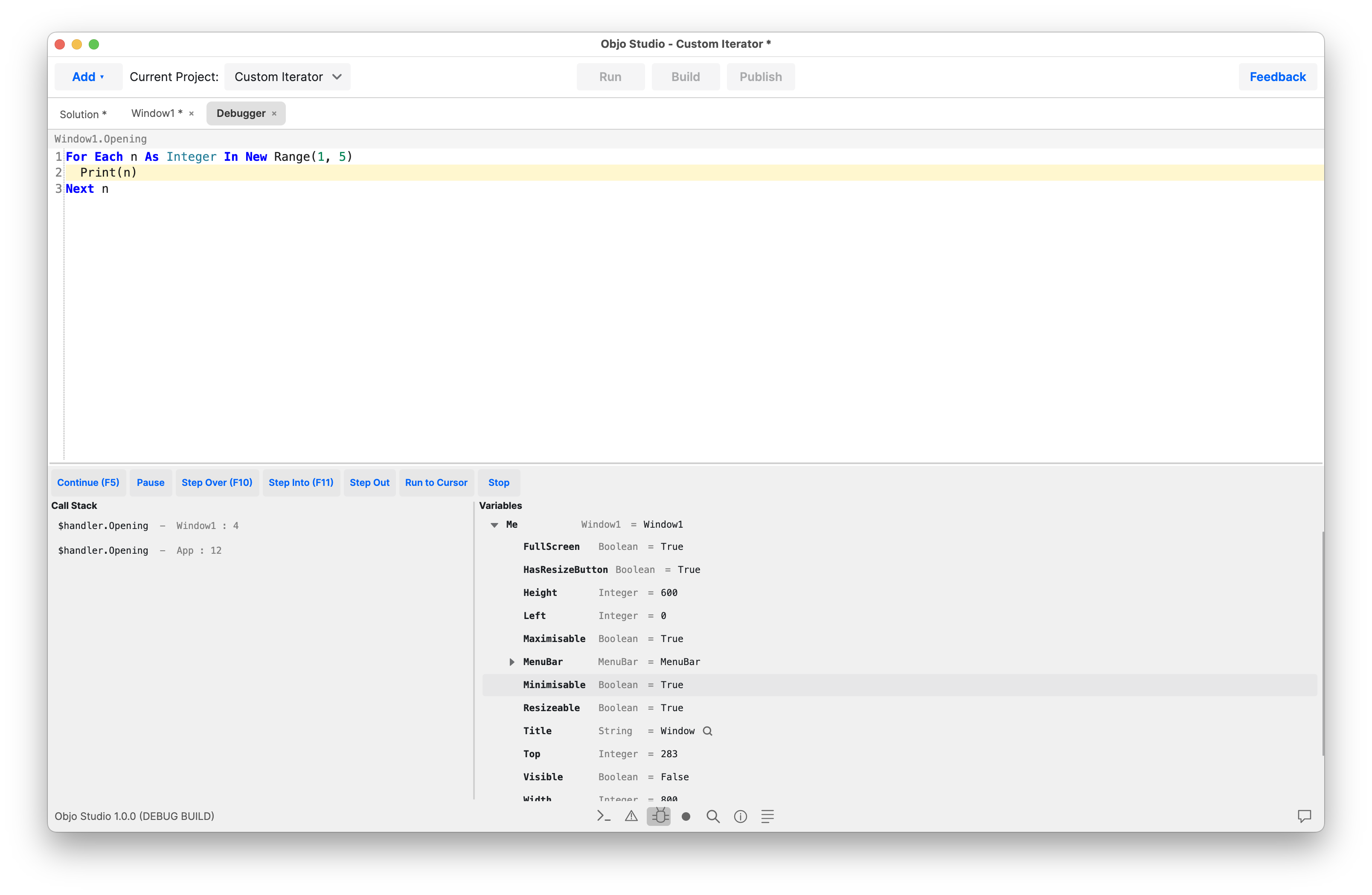
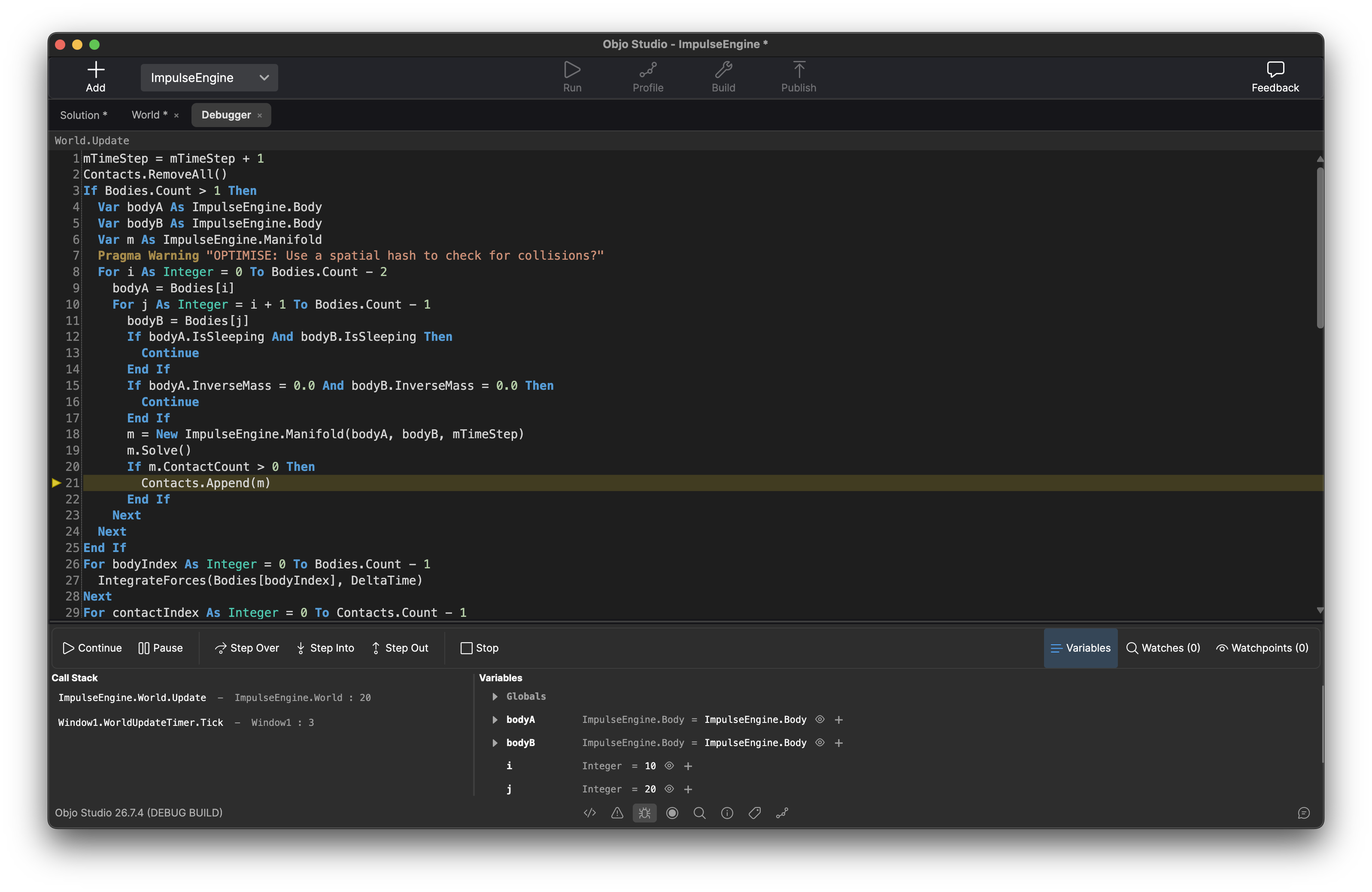
A professional grade debugger. Set breakpoints on any line, add conditions so they only fire when an expression is true, and step through your code with Step Over, Step Into, Step Out or Run to Cursor. Inspect every variable in scope and read the call stack to understand exactly how you got here. Break on exceptions to catch problems the moment they happen.
Debug desktop and command line apps on another computer with the Objo remote agent. Debug server-side web events directly in Studio.
Connect your apps to SQLite, MySQL/MariaDB, PostgreSQL, SQL Server or ODBC using a consistent Objo API. Build record editors, searchable lists and dashboards around real data.
Work with parameterised queries and transactions, and use asynchronous database operations to keep your interface responsive. Load the records you need and display them with the built-in UI controls.
Var query As String = _
  "SELECT name FROM customers WHERE city = ?"
Var results As RecordSet = db.SelectSQL(query, "London")

While results.MoveToNextRow()
  CustomerList.AddRow(results.Column("name").StringValue)
Wend

results.Close()Keep track of changes, check your code and measure performance with tools built into Studio.
See changed lines, commit selected solution items, and create or switch local branches with Studio's bundled Git tools. Your source stays readable in version control. Git integration is included free.
Git guideRun and debug unit tests in Studio, or run them from the command line and CI with JUnit reports. Catch regressions early and make changes with confidence. Unit testing is included free.
Unit testing guideFind performance bottlenecks with Studio’s integrated profiler. Inspect method timings and call trees, explore Worker processes, and export reports to compare results as you improve your code.
Profiling guideBuild for any desktop target from a single codebase: Windows x64 and ARM, macOS Apple Silicon and Intel, Linux x64 and Linux ARM. Develop on any OS and target any OS.
Keep Desktop, Web and Command Line projects in one solution. Share data models, validation and business rules through Shared Code. Design a desktop interface for your team, a web portal for customers and a command line tool for scheduled jobs, all around the same core logic.

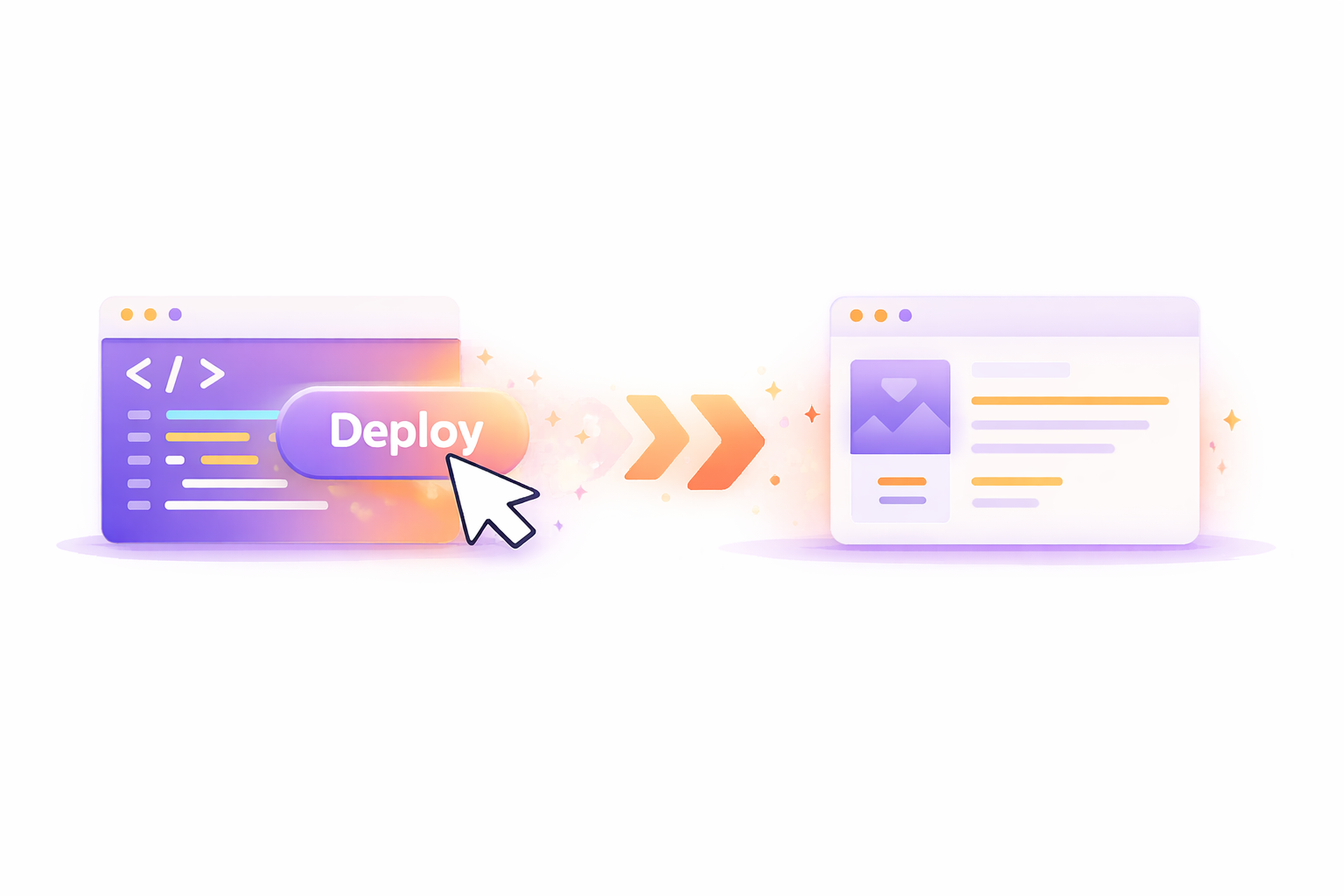
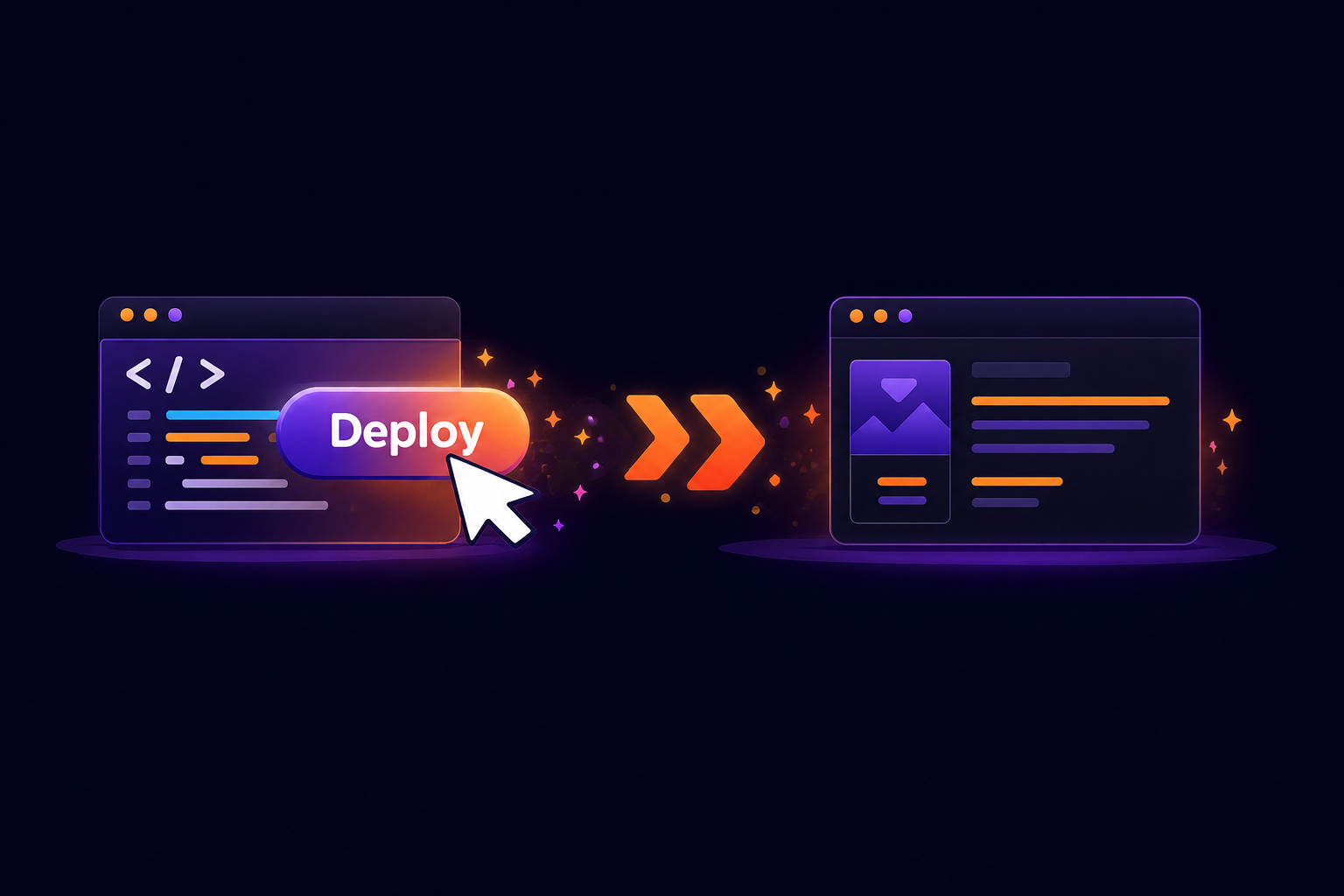
Use Build for desktop and command line projects, or Publish for web projects. A published web app is one self-contained server executable for your chosen platform, with no separate .NET runtime to install. Your users open a link in their browser, without installing your app.
Studio guides you through publishing and generates a deployment kit. Publish to your own server or hosting provider and keep control of your deployment.
Objo is a statically typed, object-oriented language with clean BASIC-like syntax. Everything is an object. Define classes with inheritance and interfaces, add properties, methods, events and enumerations. Organise shared code in modules. Write documentation comments and see them surface in autocomplete and hover tooltips throughout the IDE.
The standard library covers files, HTTP, JSON, XML, networking, cryptography and background tasks, giving you useful building blocks for everyday applications.
# In your button's Pressed event.
Var name As String = NameField.Text.Trim()
If name.IsBlank() Then
  name = "World"
End If

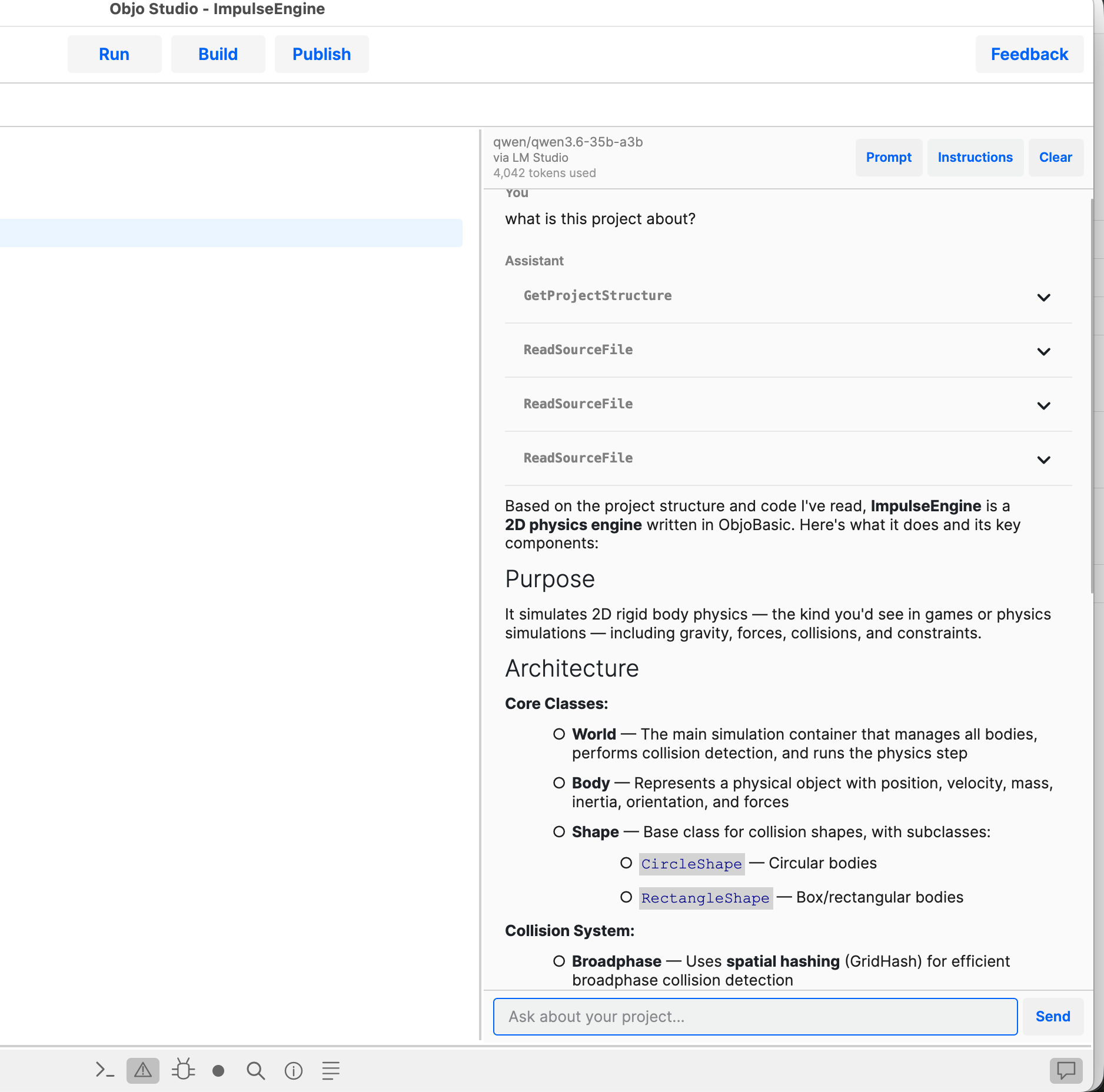
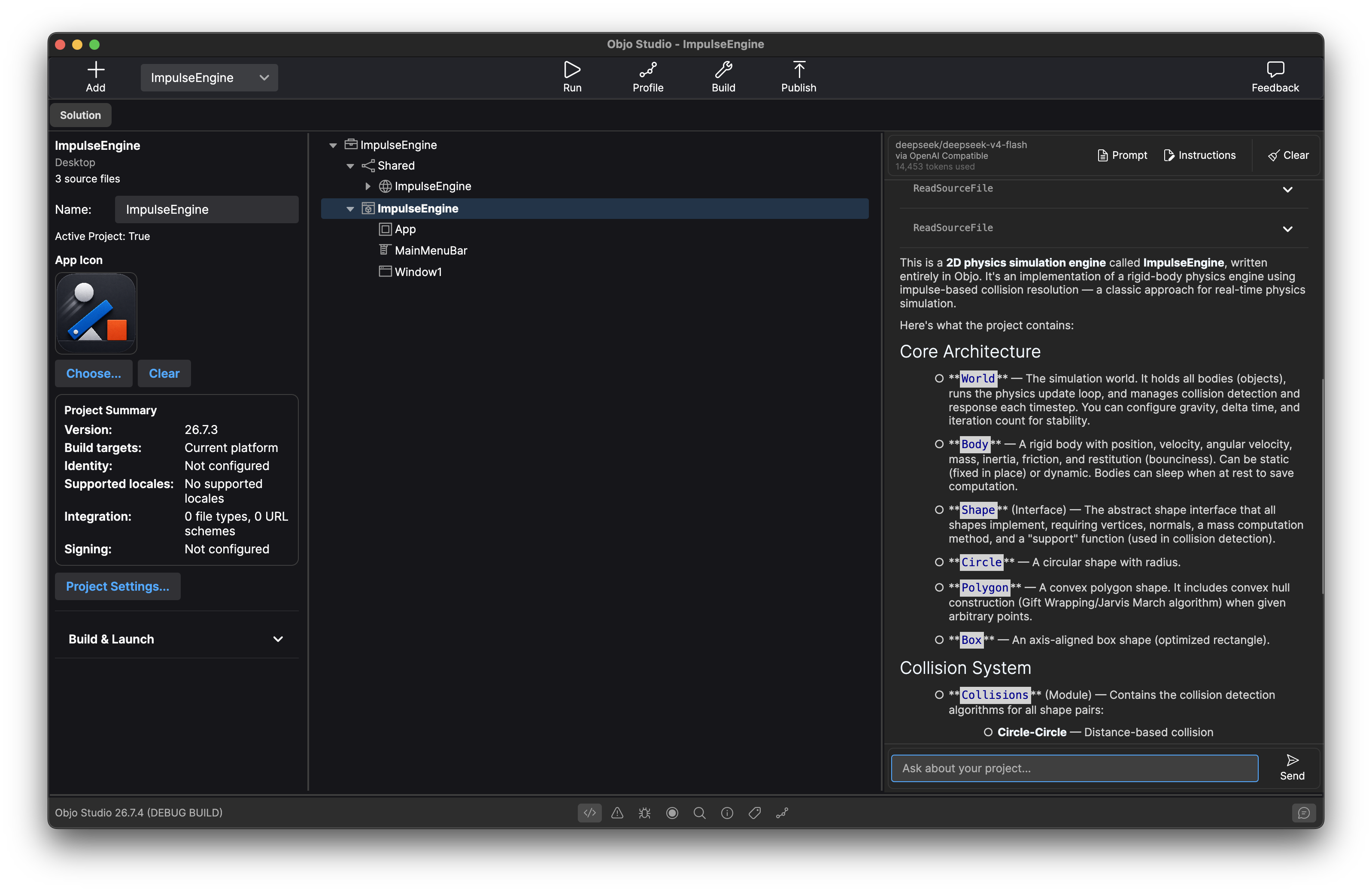
GreetingLabel.Text = $"Hello, {name}!"Objo Studio integrates with Ollama, LM Studio, OpenAI, Anthropic and Gemini - local or cloud, your choice. The AI can read your project structure, inspect source files, check compilation errors, search your code and even make edits, all through a chat panel in the IDE. Give it per-project instructions to tailor its behaviour. Prefer to work without AI? Just leave it off - it's entirely optional.
Design, code, run, debug and test for free. Start turning your ideas into desktop apps, web apps and command line tools.
Download Objo Studio